


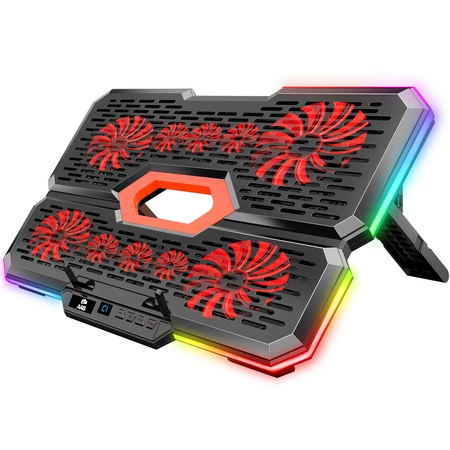


AABCOOLING Effectum
- AABCOOLING Effectum – laptop cooling pad for 9"–17" laptops: 10 fans (4 × 80 mm and 6 × 60 mm), quiet operation from 15 dB(A), tilt adjustable in 7 positions, RGB lighting, USB-C and USB-A ports. USB powered, Plug and Play.
Subscription products in your shopping cart
Set one delivery frequency for all subscription products in your cart every:
Subscription products in your shopping cart
Laptop cooling pad AABCOOLING Effectum
The AABCOOLING Effectum is a laptop cooling pad equipped with 10 fans (4 × 80 mm and 6 × 60 mm). The fans draw in air from below and direct it at the underside of the laptop, lowering the temperature of the casing and components. This keeps your laptop running stably even under heavy load – at work and while gaming.
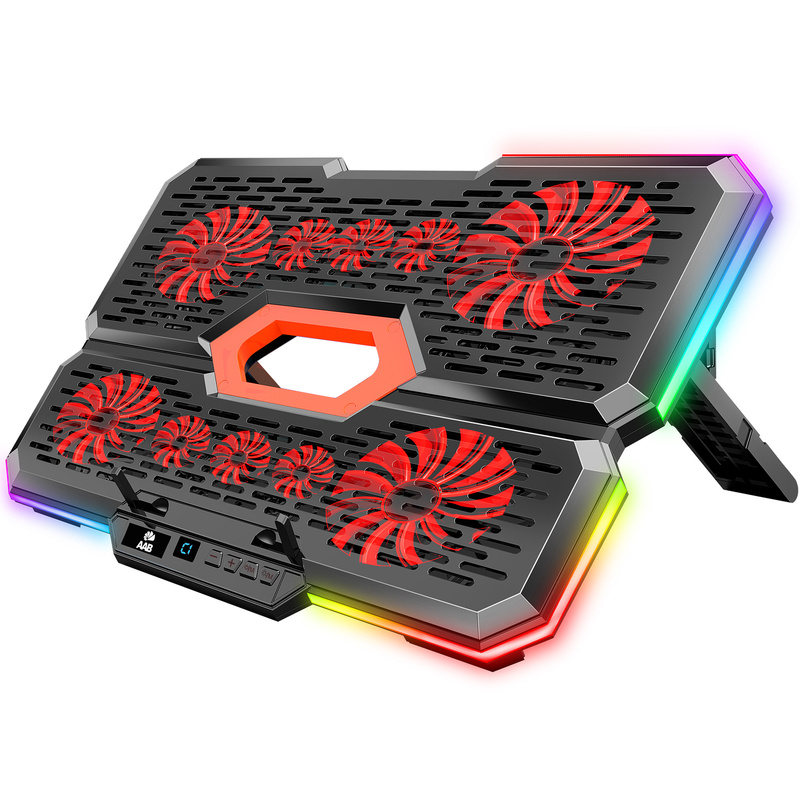
Key features
- 10 fans (4 × 80 mm and 6 × 60 mm) – airflow up to 100 CFM
- Quiet hydraulic bearings – noise level from 15 dB(A)
- Fan speed control with the “+” and “–” buttons on the control panel
- Side RGB lighting switched on and off with a button
- USB-C and USB-A ports on the pad – connect e.g. a mouse or a flash drive without using up your laptop's ports; the USB-C port can also power the pad
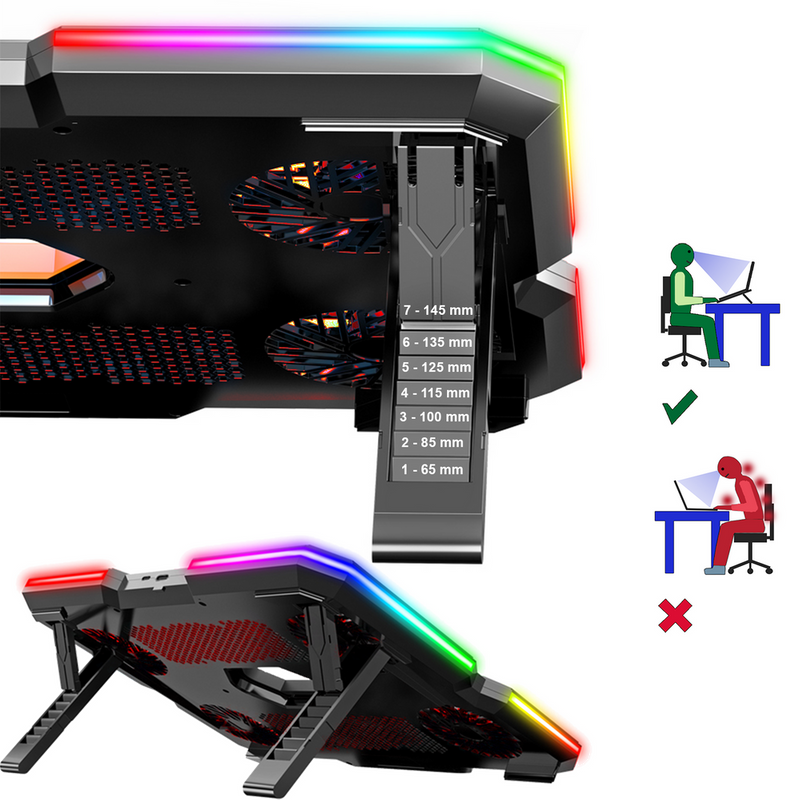
- Tilt angle adjustable in 7 positions – a more comfortable position for typing and viewing the screen
- Two fold-out front stops, 23 mm high, keep the laptop from sliding off
- Flexible feet dampen vibrations and do not scratch the desk
- Braided USB power cable
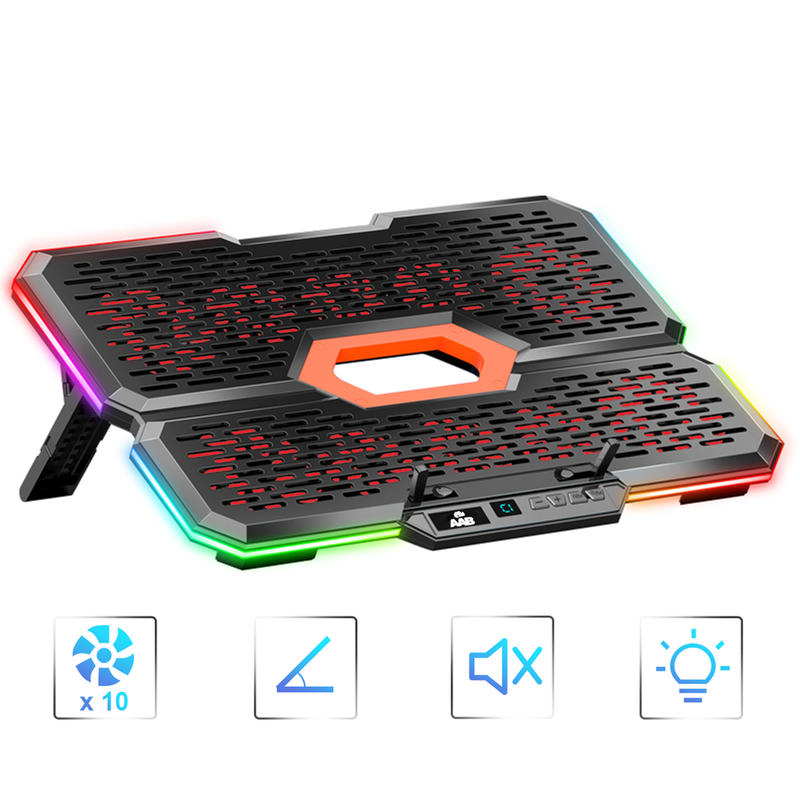
Use and compatibility
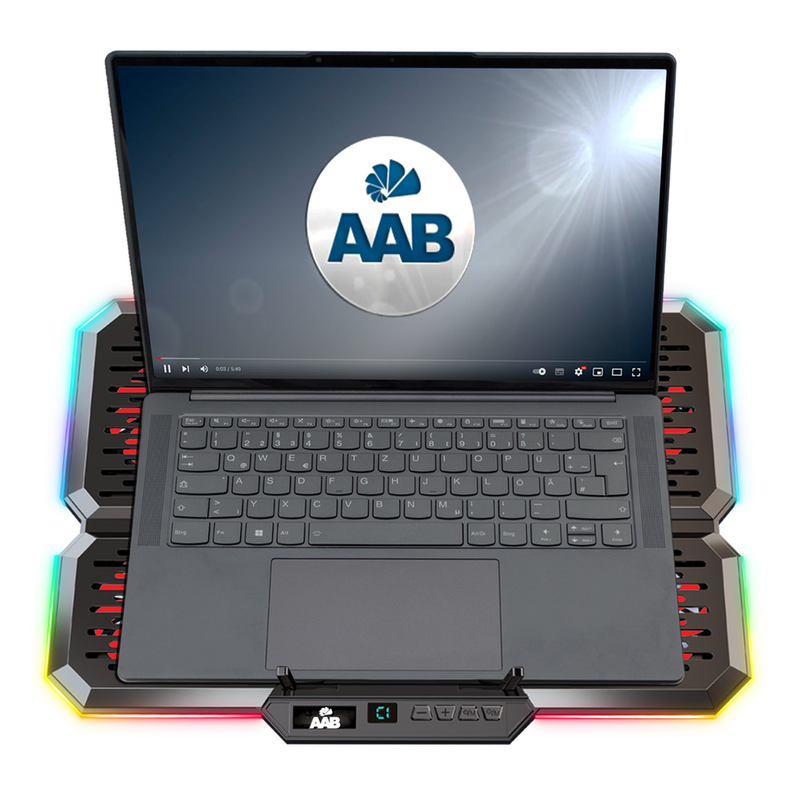
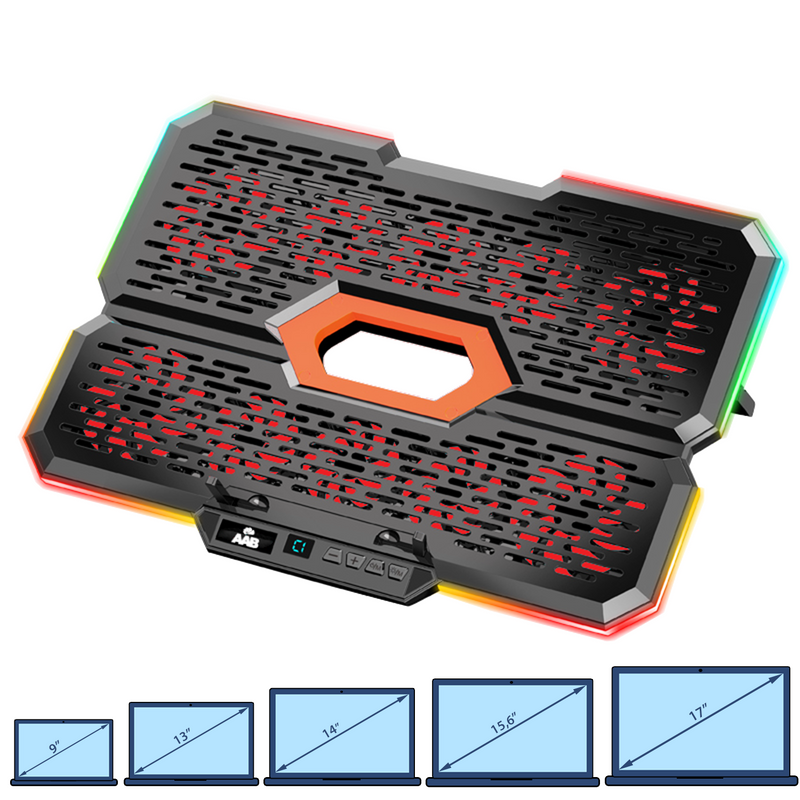
The pad fits laptops with screen sizes from 9" to 17". It is Plug and Play – powered with 5 V from the laptop's USB port or a USB mains adapter, with no drivers required. Raising the laptop at an angle improves ergonomics: the screen sits higher and the keyboard is more comfortable to use. Dust can easily be removed from the pad with compressed air, e.g. AABCOOLING Compressed Gas Duster.
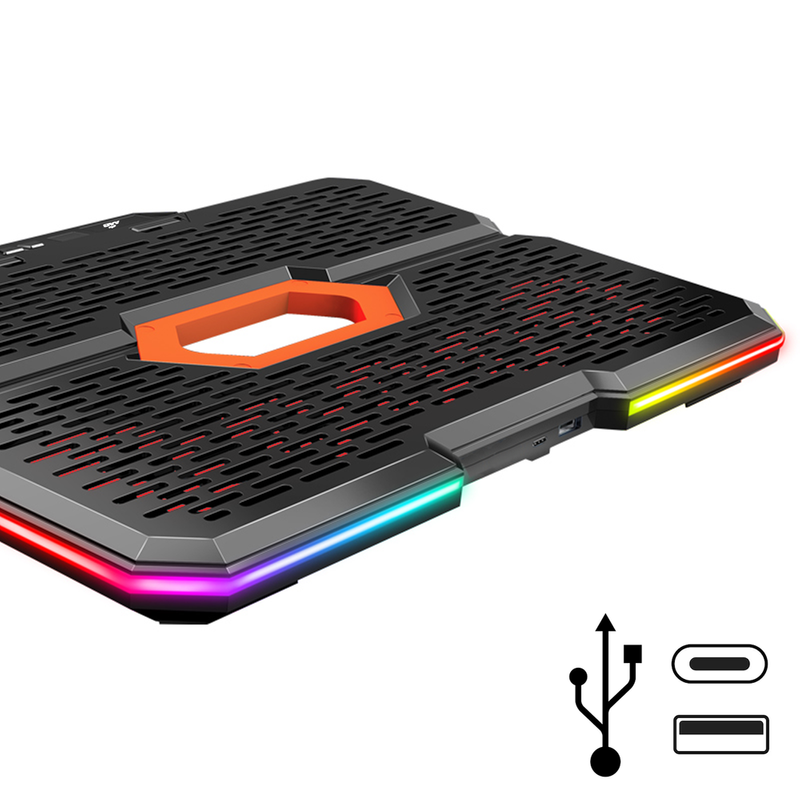
Connection and operation
- Set the pad to the desired height and place your laptop on it.
- Connect the USB cable to a USB port on your laptop or to a USB mains adapter – the pad can also be powered via its USB-C port.
- Hold the POWER/M button for 3 seconds to start the fans. The control panel is located at the front of the pad.
- Use the “+” and “–” buttons to set the fan speed.
- To switch the side RGB lighting on or off, hold the button with the sun icon for 3 seconds.
Technical specifications
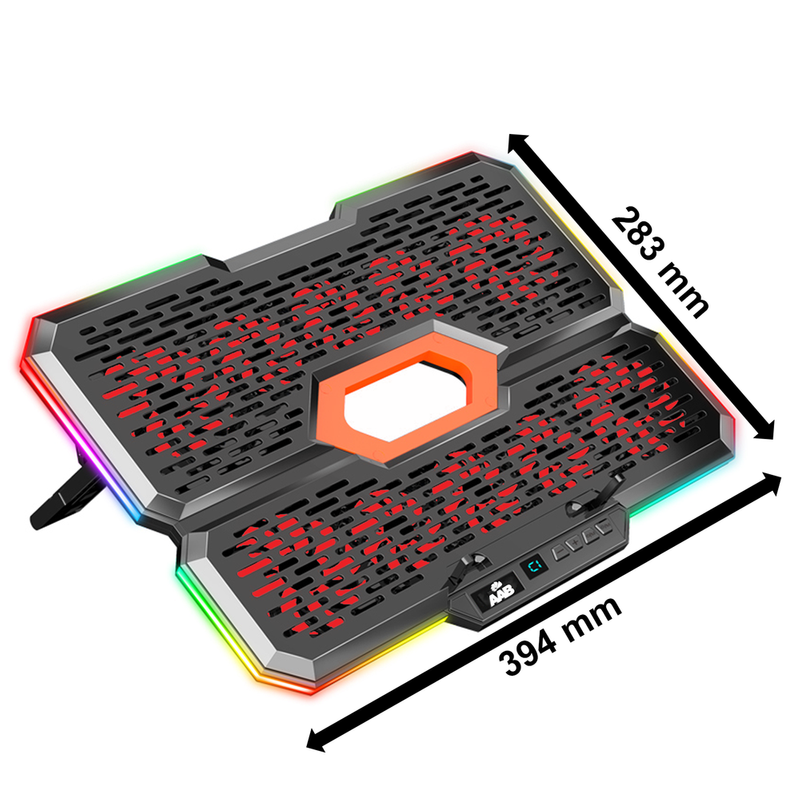
- Dimensions (W × D × H): 394 × 283 × 30 mm
- Height in tilt positions: 65 / 85 / 100 / 115 / 125 / 135 / 145 mm
- Material: ABS
- Weight: 935 g
- Fans: 4 × 80 × 80 × 15 mm, 6 × 60 × 60 × 15 mm
- Rotational speed: 80 mm: 1800 RPM ±10%; 60 mm: 1600–2000 RPM ±10%
- Airflow: 100 CFM
- Noise level: 15–25 dB(A)
- Bearings: hydraulic
- Front stops, 2 pcs (W × H): 7 × 23 mm
- Power supply: 5 V DC from a USB 3.0/2.0/1.1 port or a USB mains adapter
- Power consumption: 5 V DC / 1.4 A / 7 W ±10%
- USB ports: 1 × USB-C, 1 × USB-A
- Data transfer: USB 2.0, up to 480 Mb/s
- USB cable length: 65 cm
- MTBF: 20 000 h
- Compatibility: laptops 9"–17"

Package contents
- 1 × AABCOOLING Effectum
- 1 × braided USB power cable